BUMERANG · QR MENU
Your menu is no longer
just a menu.
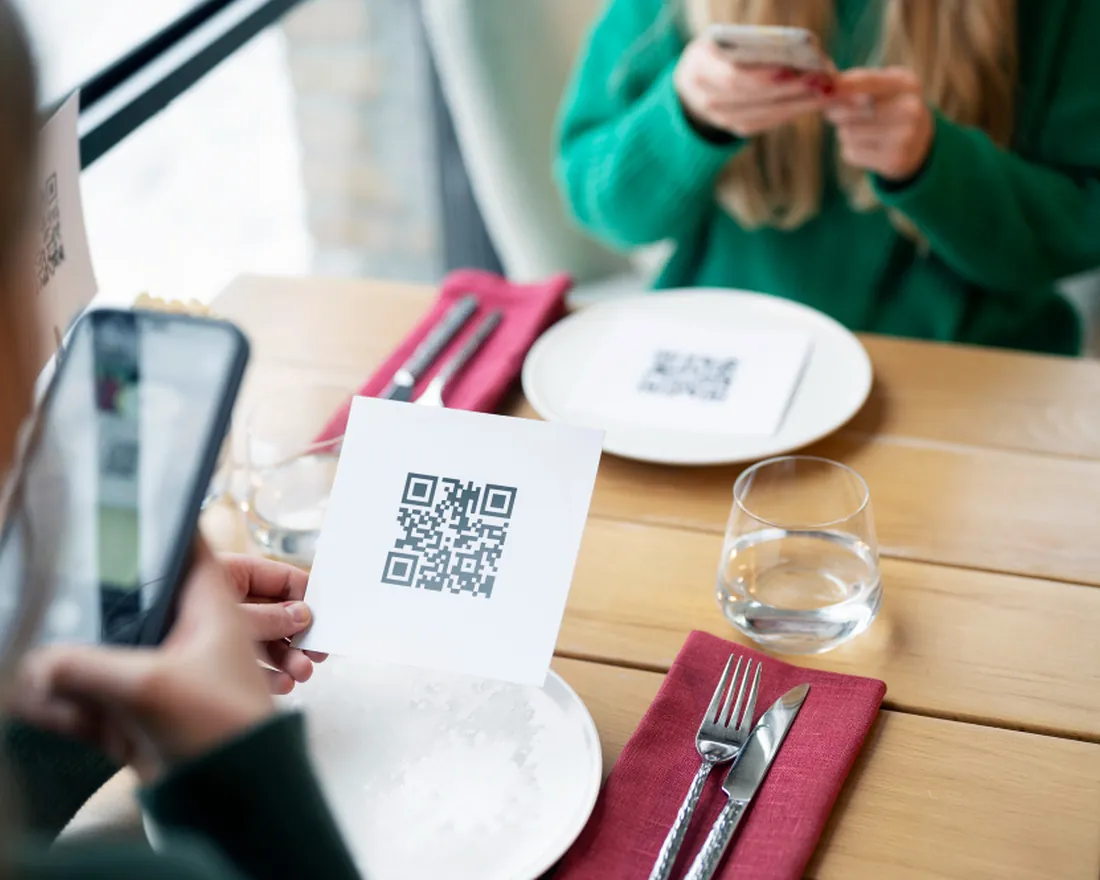
Guests scan a QR code and see the menu on their own phone, in their own language — and order from the table if they like. You watch which item is chosen at which table and at what hour, from the panel. No print costs, updates in seconds.
The guest side: scan and it opens
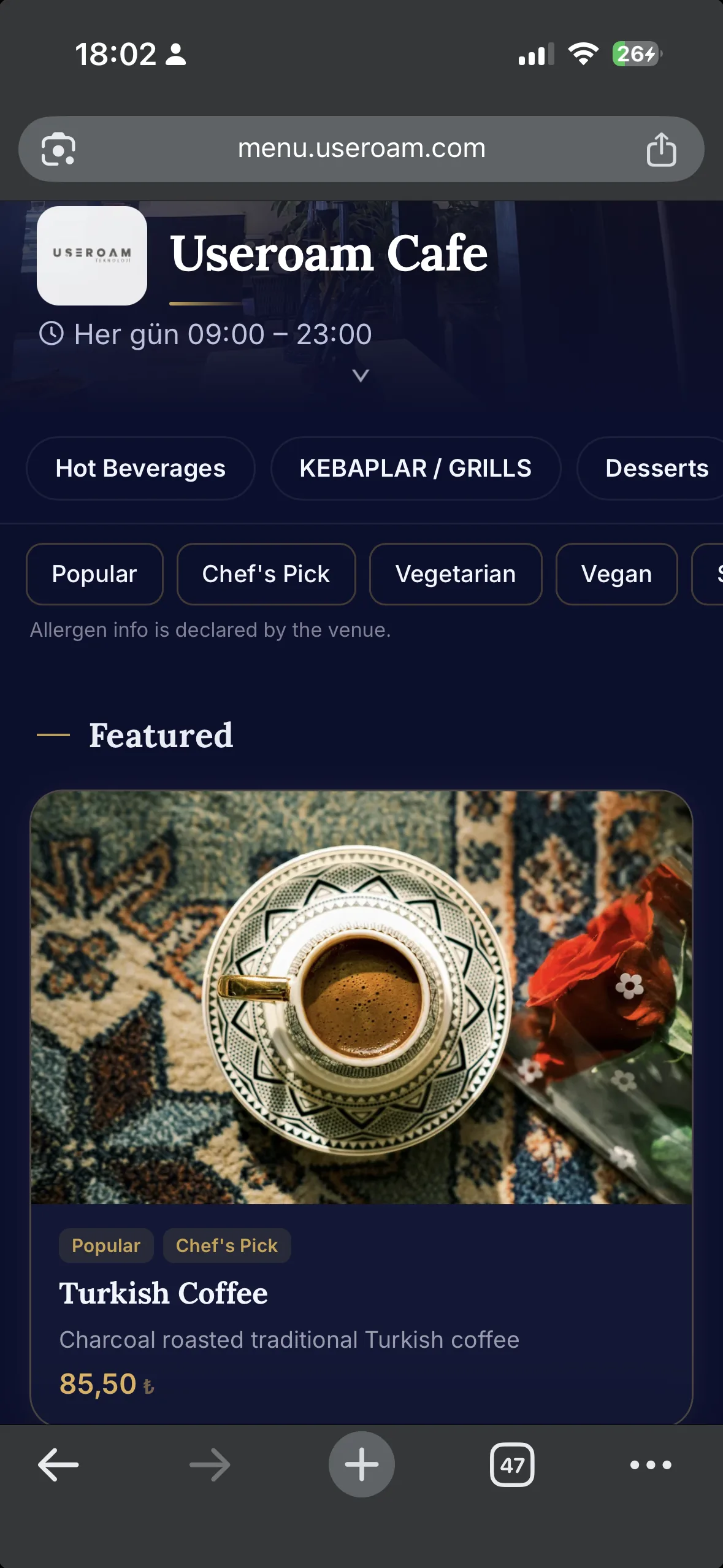
No app, no download. The menu opens under your brand, with photos and filters: categories, tags and allergen details at the guest's fingertips. With 6+ languages and Arabic (RTL) support, every guest reads the menu in their own language.
Order from the table, serve to the room
The menu is where the sale starts: guests order from the table or call a waiter, and in hotels a room service order lands straight in the kitchen. Chains manage a master menu centrally, with per-branch price and stock overrides.
The Menu Studio: build, translate, publish
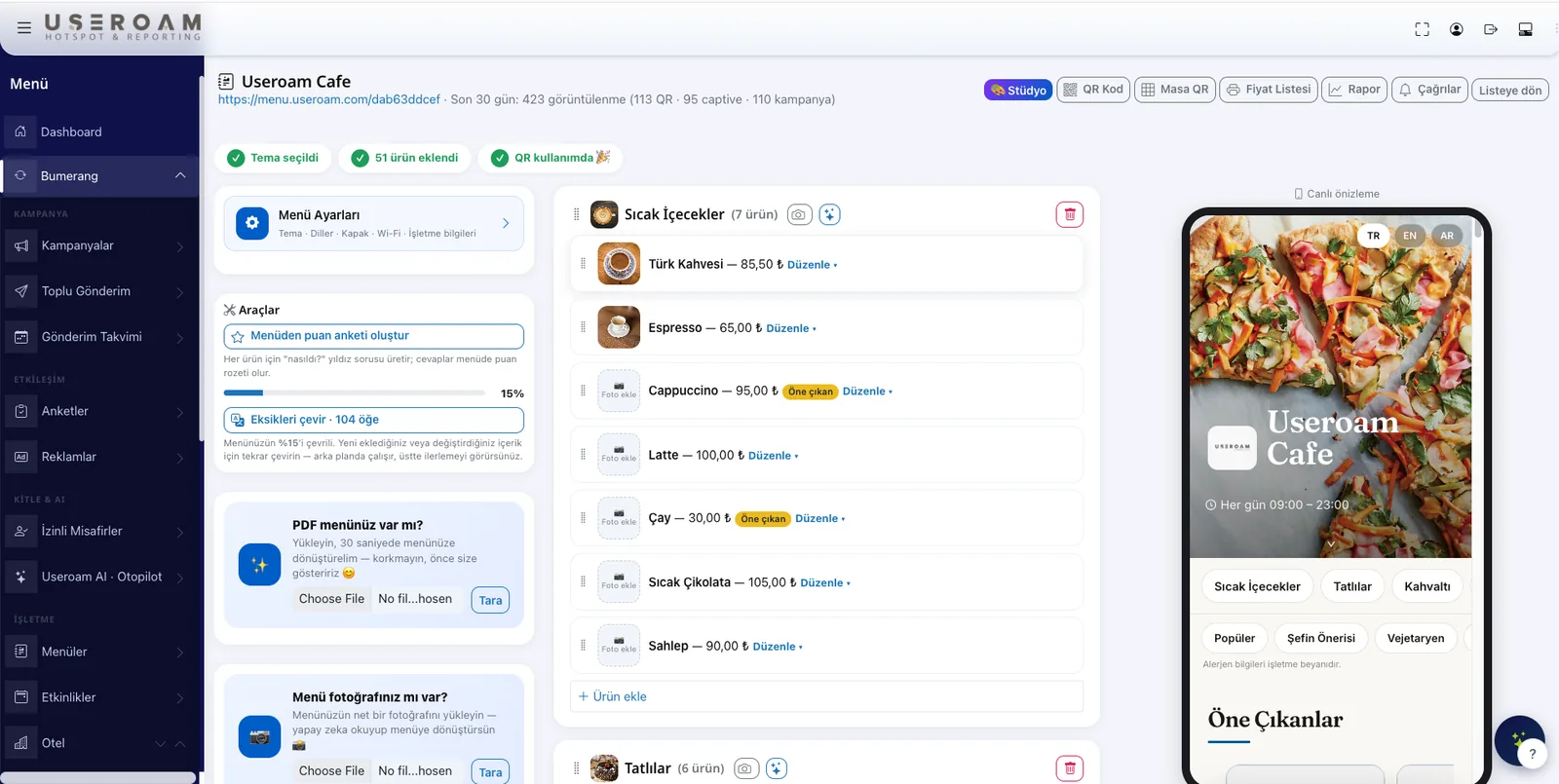
Edit categories and products in the panel; AI scans your existing menu and turns the content multilingual. A live mobile preview shows exactly what guests will see before you publish.
Every view is an insight
A printed menu costs money, goes stale and tells you nothing. The QR menu turns every view into data — so you build your menu and your campaigns on reports, not guesses.
- Most and least popular items — in real time
- Table-level preference and traffic reports
- Sales by hour and day — input for shift and stock planning
- Menu view trends and in-menu survey results
A digital menu in four steps
Place the QR
Put it on the table, or show it right after the WiFi login.
Guest scans
The menu opens on the phone, in the guest's language; no app needed.
Browses and orders
They browse, order from the table, and can answer an in-menu survey.
Reported in the panel
Which item, at which table, at what hour — all on one screen.
Never print your menu again.
Let's set up your menu in a demo environment — try AI translation and table ordering with your own products.