LIVE RADAR
Reports tell you about yesterday.
Radar shows you right now.
Live Radar shows your venue's pulse in real time: how many guests are connected, who has come back, which campaign is landing. No waiting for reports — you see it and act on it.
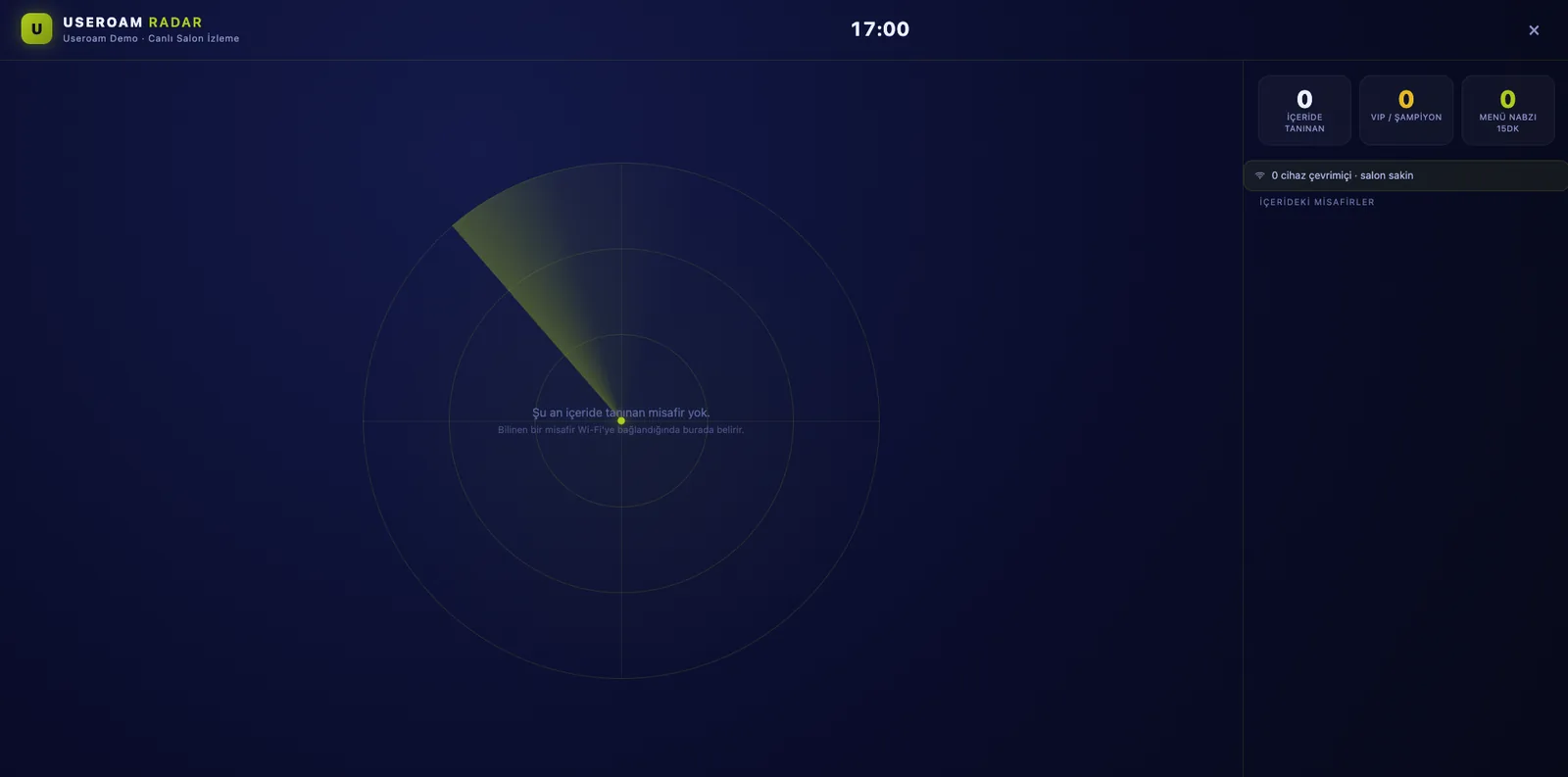
Your operations center: one dark screen
Radar is a live monitoring surface built for big screens and tablets. In the sonar view, guests appear as segment-colored blips: recognized guests inside, returners, VIPs. Next to it, a live list and KPI stream — a real-time photograph of your floor.
Three live indicators, one panel
Live occupancy
How many guests are connected right now, which hours and which spots are busy — in real-time views and charts.
Campaign pulse
Send and return performance of active campaigns streams live; you see the winning scenario as it happens.
Alerts
Get instant notifications on threshold breaches, dropping demand or anomalies — catch issues before any report would.
How teams use it on the floor
Put Radar on the welcome screen at the entrance, the office monitor or the manager's tablet. When a returning guest walks in, they appear on screen; the team greets VIPs by name and shifts staff toward the busy spot. The menu pulse shows which items are drawing attention right now.
Where does Radar's data come from?
Radar is not a separate installation; it visualizes the live data your Useroam infrastructure already produces. Every guest who connects becomes permissioned data, Guest 360 recognizes the profile, and Radar puts it on stage. You watch campaign impact the minute you send.
See what is happening in your venue right now.
Let us open Radar with your own scenario in a demo environment and watch the live screen together.